What is the frame rate of a 1080p conference camera?
Leave a message

Hey there! As a supplier of 1080p conference cameras, I often get asked about the frame rate of these devices. So, I thought I'd write this blog to clear up any confusion and give you a better understanding of what frame rate means in the context of a 1080p conference camera.
First off, let's talk about what frame rate is. In simple terms, frame rate refers to the number of individual frames or images that a camera captures and displays per second. It's usually measured in frames per second (fps). A higher frame rate means smoother motion in the video, while a lower frame rate can result in choppy or jerky footage.
When it comes to 1080p conference cameras, the frame rate can vary depending on a few factors. Most 1080p conference cameras can support frame rates of 30fps or 60fps. A 30fps frame rate is the standard for most video content and is suitable for most conference calls. It provides a decent level of smoothness and is widely supported by various video conferencing platforms.
On the other hand, a 60fps frame rate offers even smoother motion and is ideal for situations where there's a lot of movement, like in a large conference room with people walking around or presenting. It can also be beneficial for high - energy discussions or when you want to capture every detail of the action.
So, which frame rate should you choose for your 1080p conference camera? Well, it depends on your specific needs. If you're mainly using the camera for small, static meetings where there isn't much movement, a 30fps frame rate will probably be sufficient. It'll save on bandwidth and still provide a clear and stable video feed.
However, if you're hosting large - scale conferences, webinars, or events with a lot of activity, a 60fps frame rate is a better option. It'll make the video look more professional and engaging, and it'll keep your audience more focused on the content.
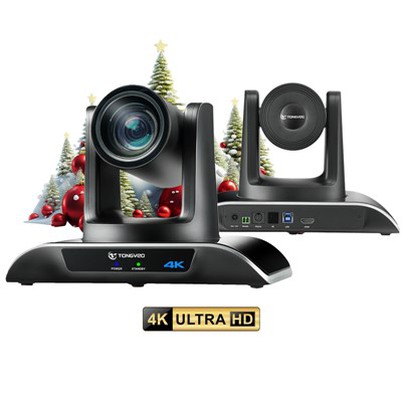
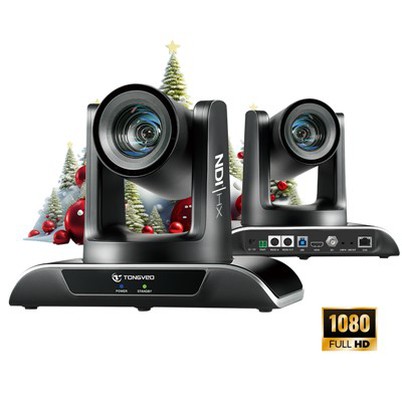
Now, let's take a look at some of the features of our SDI/HDMI/USB3.0/LAN PoE Conference Camera. This camera is designed to provide high - quality video for your conference calls. It supports both 30fps and 60fps frame rates, so you can choose the one that suits your needs.
The Full HD USB PTZ Video Conference camera is another great option. It offers pan, tilt, and zoom capabilities, allowing you to adjust the camera's view according to the situation. With its 1080p resolution and flexible frame rate options, it can handle a wide range of conference scenarios.
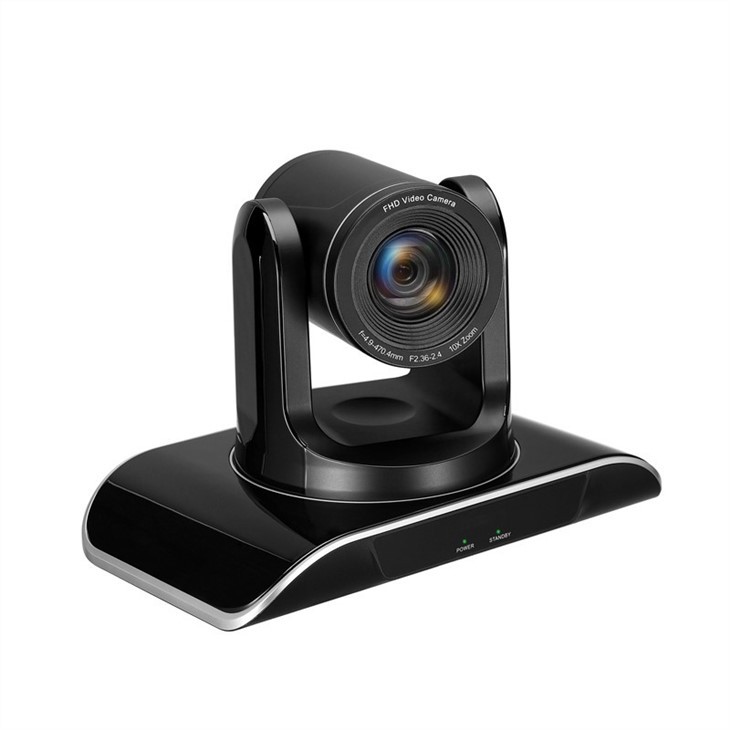

If you're looking for a camera for large conference room calls, our pan tilt zoom video camera for large conference room call is a top - notch choice. It has a powerful zoom function and can capture clear video even from a distance. And of course, it also supports different frame rates to ensure smooth and high - quality video.
In addition to frame rate, there are other factors to consider when choosing a 1080p conference camera. For example, the camera's field of view is important. A wider field of view allows you to capture more of the room, which is great for large conferences. Also, the camera's low - light performance can make a big difference, especially if your conference room doesn't have the best lighting.
Another thing to think about is the camera's connectivity options. You'll want a camera that can easily connect to your existing video conferencing equipment, whether it's through USB, HDMI, or other interfaces.
At the end of the day, choosing the right frame rate and conference camera is all about finding the balance between your specific requirements, budget, and the overall quality of the video you want to achieve.
If you're interested in learning more about our 1080p conference cameras or have any questions about frame rates or other features, don't hesitate to reach out. We're here to help you make the best decision for your conference needs. Whether you're a small business or a large corporation, we've got the right camera for you. So, let's have a chat and see how we can enhance your video conferencing experience.
References:
- General knowledge about video conferencing technology and camera specifications.