

What is the resolution of a 4K USB webcam?
Leave a message

In the era of digital communication, the demand for high - quality webcams has skyrocketed, especially as remote work, online learning, and virtual events become the norm. Among the various options available in the market, 4K USB webcams stand out as a top choice for those seeking superior video quality. As a 4K USB webcam supplier, I'm here to delve into the concept of resolution in 4K USB webcams and explain why it matters.
Understanding Resolution
Resolution refers to the number of pixels that make up an image or video. In the context of webcams, it determines the clarity, sharpness, and level of detail in the footage captured. The higher the resolution, the more pixels there are, resulting in a more vivid and realistic visual experience.
4K resolution, also known as Ultra High Definition (UHD), typically refers to a display or video with approximately 4000 pixels horizontally. The most common 4K resolution for webcams is 3840 x 2160 pixels. This is four times the number of pixels found in Full HD (1920 x 1080) resolution, which means that 4K webcams can capture and display much more detailed images.
Benefits of 4K Resolution in USB Webcams
1. Superior Image Quality
The most obvious benefit of 4K resolution is the significantly enhanced image quality. With a 4K USB webcam, every detail is sharp and clear, whether you're presenting a product, participating in a video conference, or teaching an online class. The colors are more vibrant, and the contrast is better, making the video more engaging and immersive for the viewer.
For example, in a business presentation, a presenter can showcase product details in high - resolution, which can help the audience better understand the product features. In an educational setting, teachers can display scientific graphs, historical maps, or artistic works with greater precision, improving the learning experience for students.
2. Zooming and Cropping Capabilities
Another advantage of 4K resolution is the ability to zoom in or crop the image without significant loss of quality. When using a 4K webcam, you can zoom in on a specific area of the frame to highlight important details. For instance, during a wildlife observation session online, the host can zoom in on a small bird in the distance without making the image look pixelated or blurry.
Moreover, when you need to adjust the composition of the shot, cropping the 4K image allows you to focus on the subject of your interest while still maintaining a high - quality video. This flexibility is highly valuable in various scenarios, such as live streaming events where the camera operator may need to quickly adjust the focus.
3. Future - Proofing
As technology continues to evolve, the demand for higher - resolution content is only going to increase. By investing in a 4K USB webcam, users can future - proof their equipment. As more monitors, projectors, and streaming platforms support 4K resolution, having a 4K webcam ensures that the content you create will remain relevant and high - quality for years to come.
Considerations for 4K USB Webcams
1. Bandwidth Requirements
One of the main considerations when using a 4K USB webcam is the bandwidth required to stream or transmit the video. Since 4K video contains a large amount of data, it needs a high - speed and stable internet connection. If your internet speed is not sufficient, the video may experience buffering, lag, or pixelation.
For example, streaming 4K video requires a minimum bandwidth of around 25 Mbps. Therefore, users should ensure that their network infrastructure can support the data transfer rate needed for 4K video before using a 4K webcam.
2. Computer Performance
In addition to bandwidth, the performance of the computer is also crucial. Capturing, processing, and streaming 4K video put a significant workload on the computer's CPU, GPU, and RAM. If the computer is not powerful enough, it may struggle to handle the 4K video, resulting in dropped frames or slow performance.
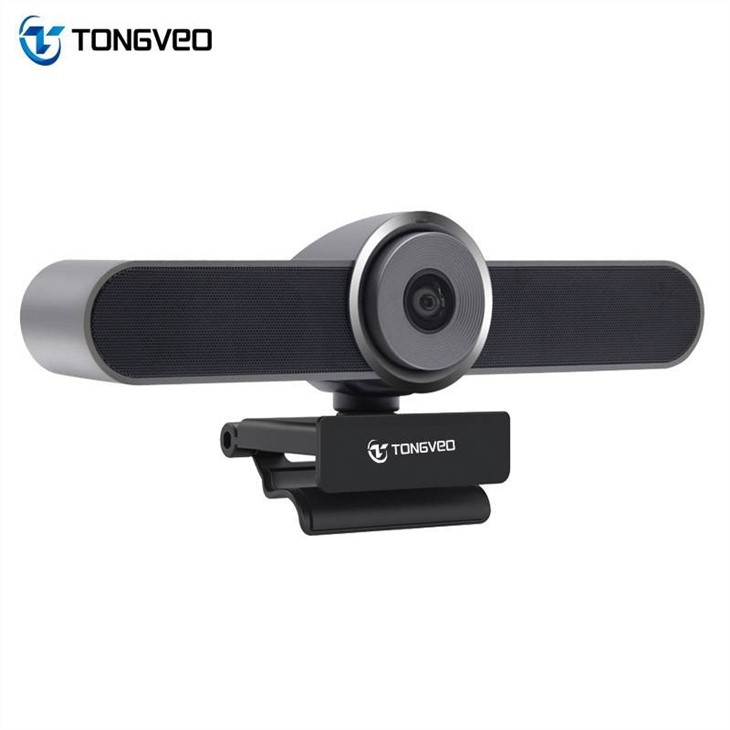

To ensure smooth operation, it is recommended to have a computer with a relatively new and powerful processor, a dedicated graphics card, and at least 8GB of RAM.
Our 4K USB Webcam Products
As a 4K USB webcam supplier, we offer a range of high - quality products to meet different needs. Our Wide Angle Webcam For Conference is perfect for large - scale meetings and conferences. It features a wide - angle lens that can capture a broader field of view, allowing everyone in the room to be visible in the video.
For those who need a more comprehensive solution, our Conference Room Webcam with Microphone and Speakerphone for Live Streaming and Zoom is an ideal choice. This all - in - one device combines a 4K webcam, a high - quality microphone, and a speakerphone, providing a seamless audio - visual experience for virtual meetings and live streaming.
In addition, our large zoom conference huddle room webcam and speaker is designed for small - to - medium - sized huddle rooms. It offers a powerful zoom function, allowing users to focus on specific individuals or objects in the room.
Conclusion
The resolution of a 4K USB webcam, typically 3840 x 2160 pixels, offers numerous benefits in terms of image quality, zooming capabilities, and future - proofing. However, it also comes with requirements for bandwidth and computer performance. As a 4K USB webcam supplier, we understand the importance of these factors and are committed to providing high - quality products that meet the diverse needs of our customers.
If you're interested in purchasing high - quality 4K USB webcams for your business, education, or personal use, we invite you to contact us to discuss your specific requirements. We are here to provide you with professional advice and excellent service.
References
- Poynton, C. (2003). Digital Video and HDTV: Algorithms and Interfaces. Morgan Kaufmann.
- Schneider, J. (2018). Video Capture for Dummies. Wiley Publishing.





