

How to reduce feedback in a daisy chain microphone system?
Leave a message

Hey there! As a supplier of Daisy Chain Microphones, I've seen firsthand the challenges that come with dealing with feedback in these systems. Feedback can be a real pain in the neck, causing annoying howls and whistles that can ruin a presentation, a meeting, or any event where clear audio is crucial. But don't worry, I'm here to share some tips on how to reduce feedback in a daisy chain microphone system.
Understanding the Basics of Feedback
Before we dive into the solutions, let's quickly go over what feedback is and how it happens in a daisy chain microphone system. Feedback occurs when the sound from the speakers is picked up by the microphones and then amplified again, creating a loop that gets louder and louder until it reaches a screeching point. In a daisy chain system, where multiple microphones are connected together, the chances of feedback increase because there are more microphones to pick up the sound from the speakers.
Positioning is Key
One of the most effective ways to reduce feedback is to pay close attention to the positioning of your microphones and speakers. Here are some tips:
- Microphone Placement: Try to keep the microphones as far away from the speakers as possible. The closer the microphones are to the speakers, the more likely they are to pick up the sound and cause feedback. Also, make sure the microphones are not pointed directly at the speakers. Instead, aim them towards the sound source, like the person speaking or the instrument being played.
- Speaker Placement: Place the speakers in a way that the sound is projected away from the microphones. For example, if you have a daisy chain of tabletop microphones, place the speakers on the sides or at the back of the room, rather than directly in front of the microphones.
Adjusting the Gain
The gain is the amount of amplification applied to the microphone signal. If the gain is set too high, it can easily lead to feedback. Here's how you can adjust the gain to reduce feedback:
- Start Low: When you first set up your daisy chain microphone system, start with the gain set at a low level. Then, gradually increase it until you get the desired volume without any feedback. This way, you can find the sweet spot where the audio is clear and loud enough, but not so high that it causes feedback.
- Use a Gain Staging Technique: Gain staging involves adjusting the gain at different points in the audio chain, such as at the microphone preamp, the mixer, and the amplifier. By carefully adjusting the gain at each stage, you can ensure that the signal is not over - amplified, which reduces the risk of feedback.
Using Feedback Suppression Tools
There are several tools available that can help you reduce feedback in a daisy chain microphone system. Here are a few popular ones:
- Feedback Destroyers: These are devices that analyze the audio signal in real - time and automatically detect and eliminate feedback frequencies. They work by identifying the frequencies that are causing the feedback and then applying a notch filter to reduce the gain at those frequencies. You can find feedback destroyers that are specifically designed for daisy chain microphone systems.
- Equalizers: An equalizer allows you to adjust the frequency response of the audio signal. By reducing the gain at the frequencies where feedback is likely to occur, you can prevent feedback from happening. For example, if you notice that there is a lot of feedback around 1000 Hz, you can use an equalizer to reduce the gain at that frequency.
Choosing the Right Microphones
The type of microphones you use in your daisy chain system can also have a big impact on feedback. Here are some things to consider when choosing microphones:
- Directionality: Choose microphones with a directional pickup pattern, such as cardioid or super - cardioid microphones. These microphones are more sensitive to sound coming from the front and less sensitive to sound coming from the sides and back. This means they are less likely to pick up the sound from the speakers, which reduces the risk of feedback.
- Quality: High - quality microphones tend to have better noise rejection and a more consistent frequency response. This can help reduce the chances of feedback and improve the overall audio quality of your daisy chain system. For example, our USB Omnidirectional Conference Microphone is designed to provide clear audio with minimal feedback.
Room Acoustics
The acoustics of the room where your daisy chain microphone system is set up can also play a role in feedback. Here are some ways to improve room acoustics to reduce feedback:
- Sound Absorption: Use sound - absorbing materials, such as acoustic panels or carpets, to reduce the amount of sound reflections in the room. Sound reflections can bounce around the room and be picked up by the microphones, increasing the risk of feedback. By absorbing the sound, you can reduce the amount of reflected sound that reaches the microphones.
- Diffusion: Diffusers can help spread out the sound in the room, which can also reduce the risk of feedback. They work by scattering the sound waves in different directions, preventing them from building up in one area and causing feedback.
Testing and Monitoring
Once you have set up your daisy chain microphone system and implemented the above strategies, it's important to test and monitor the system regularly. Here's how:
- Sound Checks: Before any event, do a thorough sound check. Play some test tones and talk into the microphones to check for any signs of feedback. If you notice any feedback, make the necessary adjustments, such as re - positioning the microphones or adjusting the gain.
- Real - Time Monitoring: During the event, keep an eye on the audio levels and listen for any signs of feedback. If you hear any feedback, quickly make the necessary adjustments to prevent it from getting worse.
Conclusion
Reducing feedback in a daisy chain microphone system can be a bit of a challenge, but by following these tips, you can significantly reduce the risk of feedback and ensure clear, high - quality audio. Remember, it's all about positioning, gain adjustment, using the right tools, choosing the right microphones, and paying attention to room acoustics.
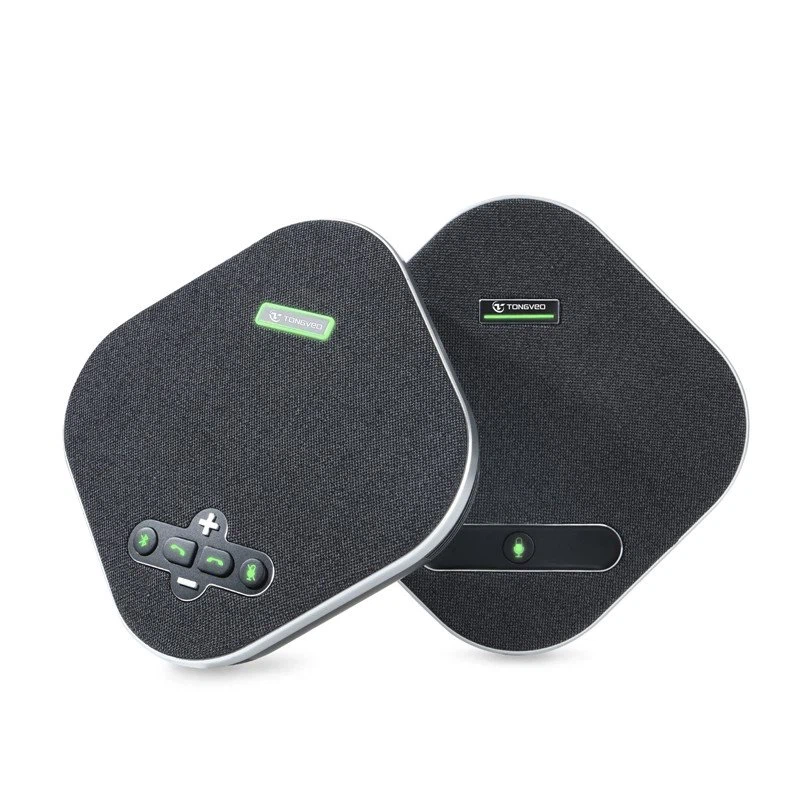
If you're interested in learning more about our daisy chain microphone systems or if you're looking to purchase some microphones for your next event, don't hesitate to get in touch. We're here to help you find the best solutions for your audio needs.
References
- "Audio Engineering Handbook" by Glen Ballou
- "Sound System Engineering" by Don and Carolyn Davis





